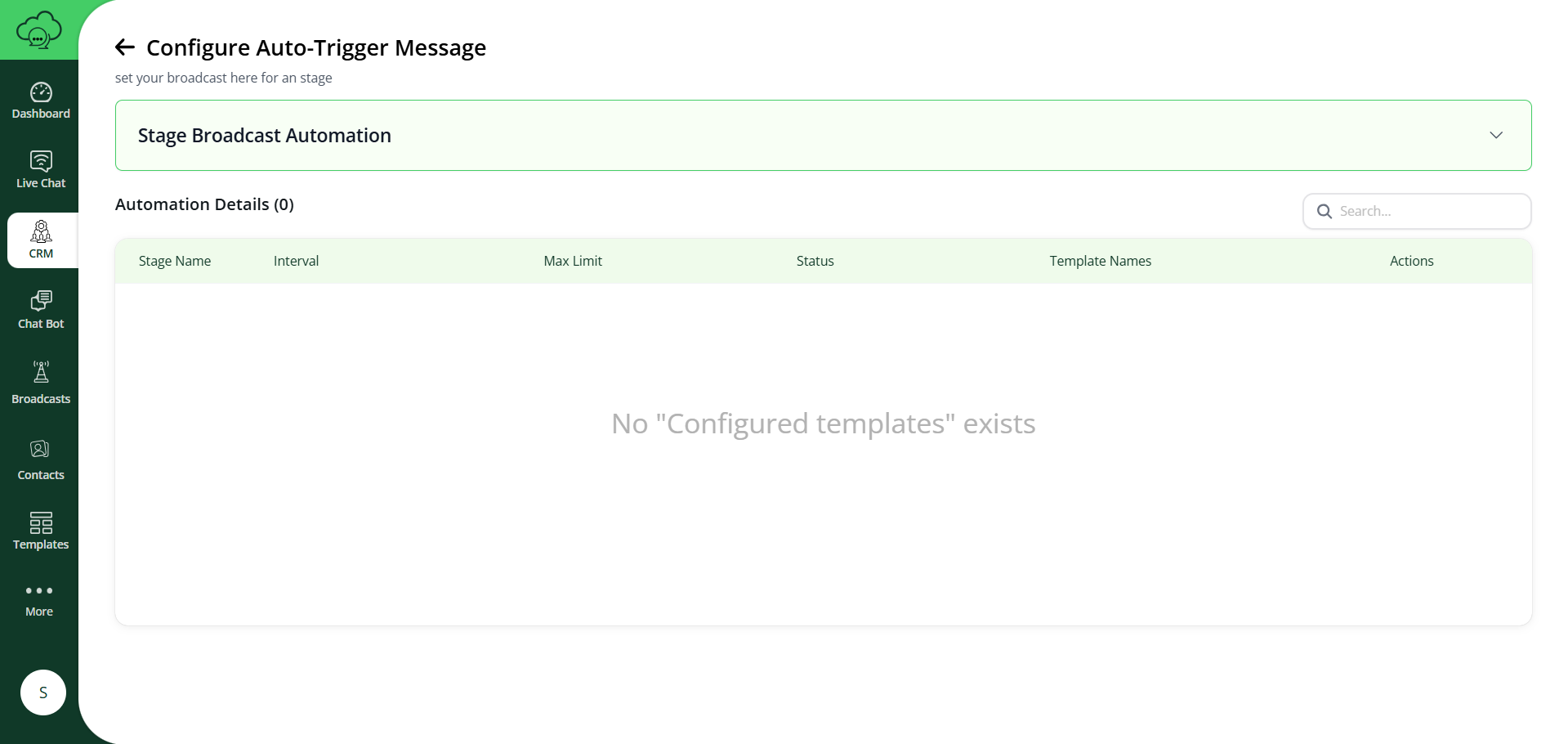
Broadcast Configuration
Broadcast automation for leads in a specific stage.
Stage Broadcast Automation
Select Stage
Choose the stage for which broadcast should be sent.
Repeat Every
How many days once the broadcast should repeat.
Number of Times to Broadcast
Total number of broadcasts to be sent.
Explanation
- Select the stage to create a broadcast.
It will send messages to all leads currently in that stage. - “Repeat Every” represents the interval in days
(example: every 1 day, every 2 days, etc.). - “Number of Times to Broadcast” decides how many broadcasts will be sent
(example: 1 time, 2 times, 4 times, etc.).
Example
If:
- Repeat Every = 2 days
- Number of Times = 4
Then broadcasts will be sent:
- Day 1 (immediate)
- Day 3
- Day 5
- Day 7
(Total 4 broadcasts)
Templates
Configure a specific message template for each broadcast day.